Vortex Particle & Liquid
Two creative tools for building short-form video and motion-design assets without leaving
AccelePosts.
What It's For
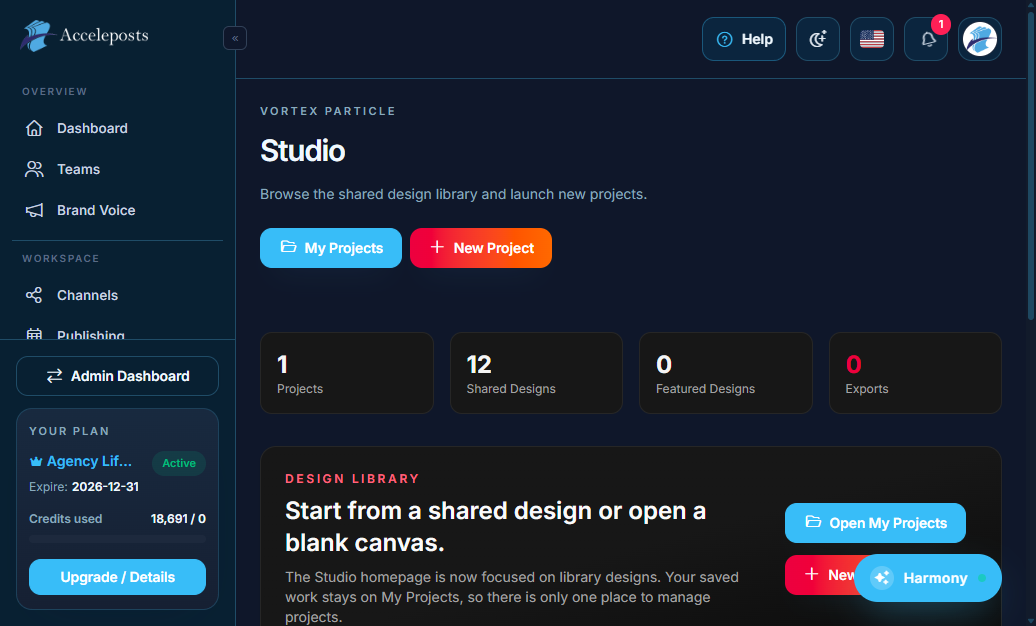
- **Vortex Particle** is a timeline-based video editor for assembling clips, images, text, and
effects into a finished short-form video ready to publish to your channels.
- **Vortex Liquid** is a motion/design canvas for building animated graphic projects (think
templated motion graphics) that render out to video.
Both tools save projects you can revisit and re-export, and finished exports can be sent
straight into Publishing or Bulk Posts.
Where To Find This In AccelePosts
- Sidebar: **Content Tools > Vortex Particle** and **Content Tools > Vortex Liquid**
- Vortex Particle: `/portal/vortex/particle`
- Vortex Liquid: `/portal/vortex/liquid`
Step-by-Step Workflow
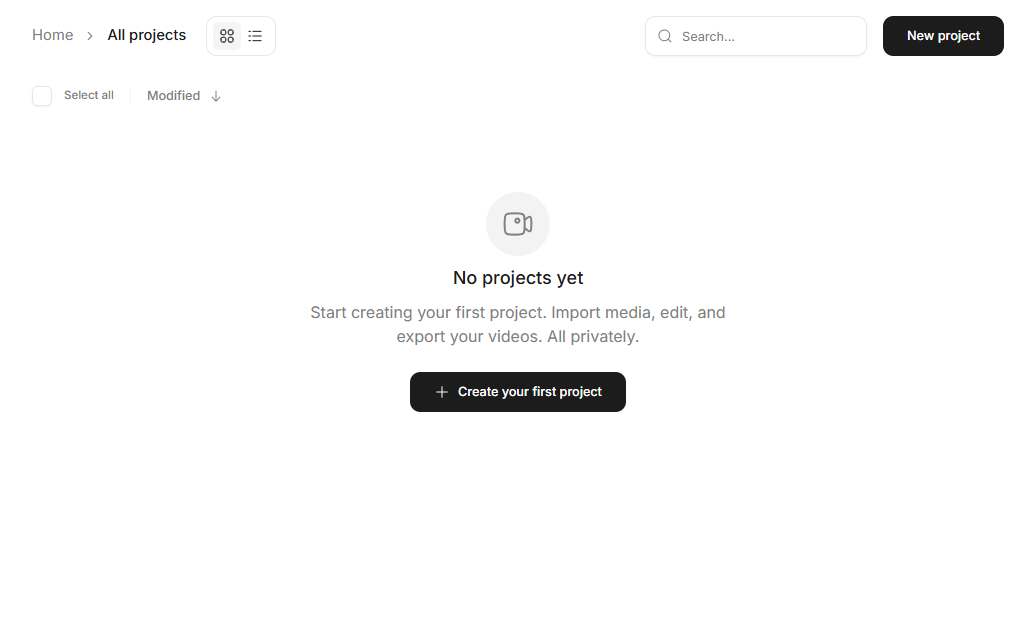
- Start a new project and choose a canvas size matching your target channel (e.g. 9:16 for
Reels/TikTok/Shorts).
- Add your clips/images/text layers on the timeline (Particle) or canvas (Liquid).
- Preview playback before exporting to confirm timing and transitions look right.
- Export the finished video; it's stored in your Files library.
- Attach the exported file to a new post from Create & Schedule or a Bulk Posts row.
Validation Checklist
- Exported video dimensions match the target channel's recommended aspect ratio.
- Audio (if any) is synced correctly with the visuals after export.
- The exported file appears in the Files/Media Library and plays back correctly.
Common Mistakes To Avoid
- Exporting at the wrong aspect ratio for the destination channel, causing letterboxing/cropping.
- Leaving a project unsaved before navigating away — save explicitly before closing the editor.
- Using placeholder/stock assets you don't have rights to publish.
Troubleshooting
- If export seems stuck, give background rendering a little time before retrying — larger
projects take longer to process.
- If an exported file won't attach to a post, confirm it finished processing in Files first.