Content Tools Overview
Beyond posting to social channels, AccelePosts includes a set of standalone creation tools: Link
Bio, Blog Studio, Music Studio, Voice Studio, and Form Builder. Each one publishes content you can
then promote through your connected channels.
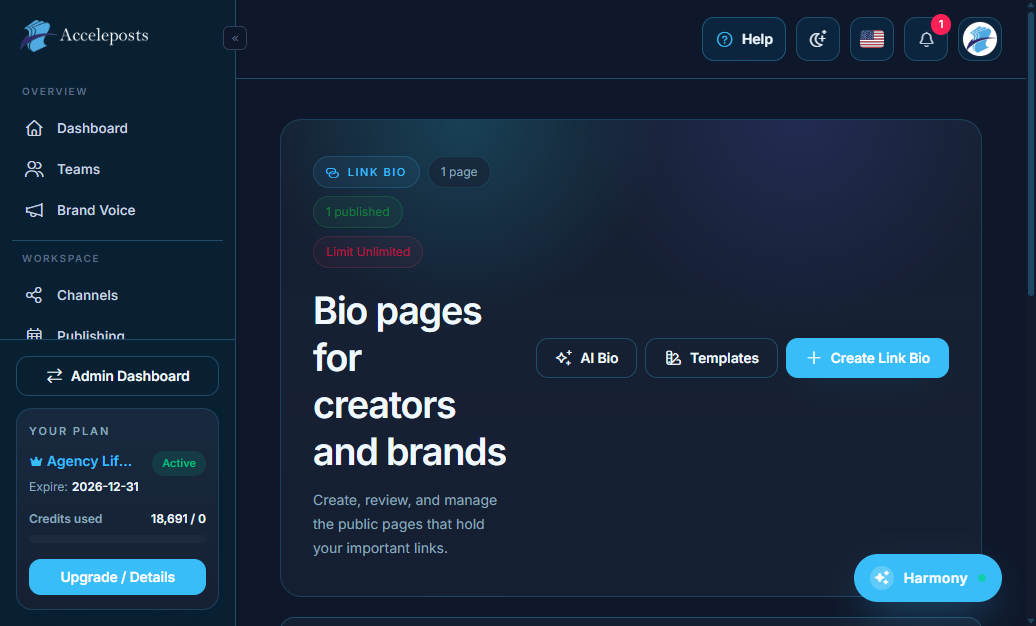
Link Bio
A customizable "link in bio" landing page — add buttons/links to your products, posts, or
external pages, then put the single Link Bio URL in your social profiles.
- Route: `/portal/link-bio`
- Workflow: add/reorder links and buttons, pick a theme, then copy your public Link Bio URL into
your channel profile bios.
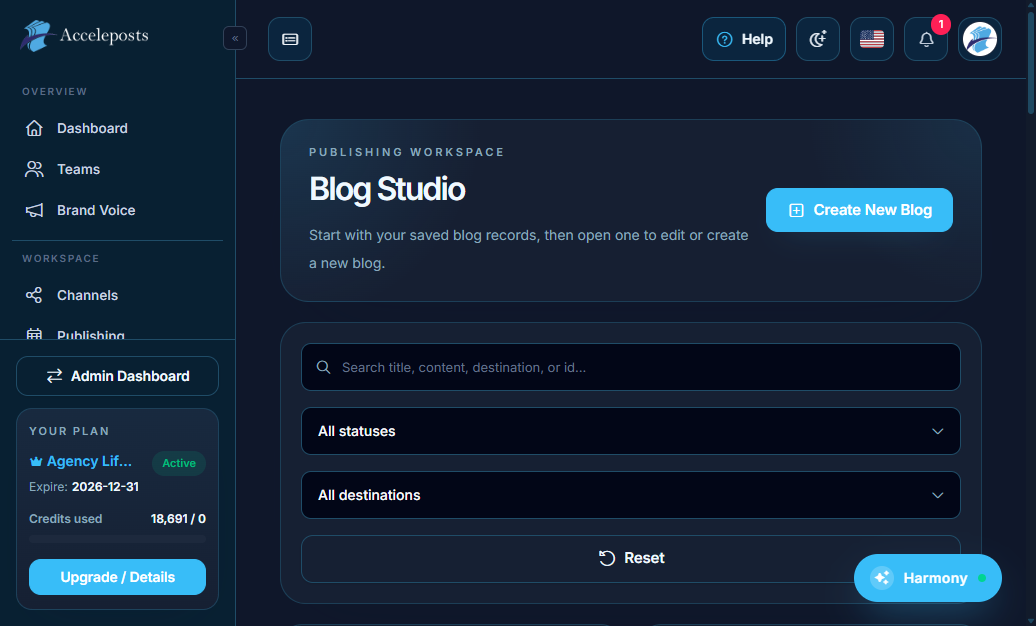
Blog Studio
A built-in blog/article editor for longer-form written content that lives on a page you control,
separate from your social feeds.
- Route: `/portal/blog-studio`
- Workflow: draft an article, add a cover image, publish it, then share the article link as a
post through Create & Schedule.
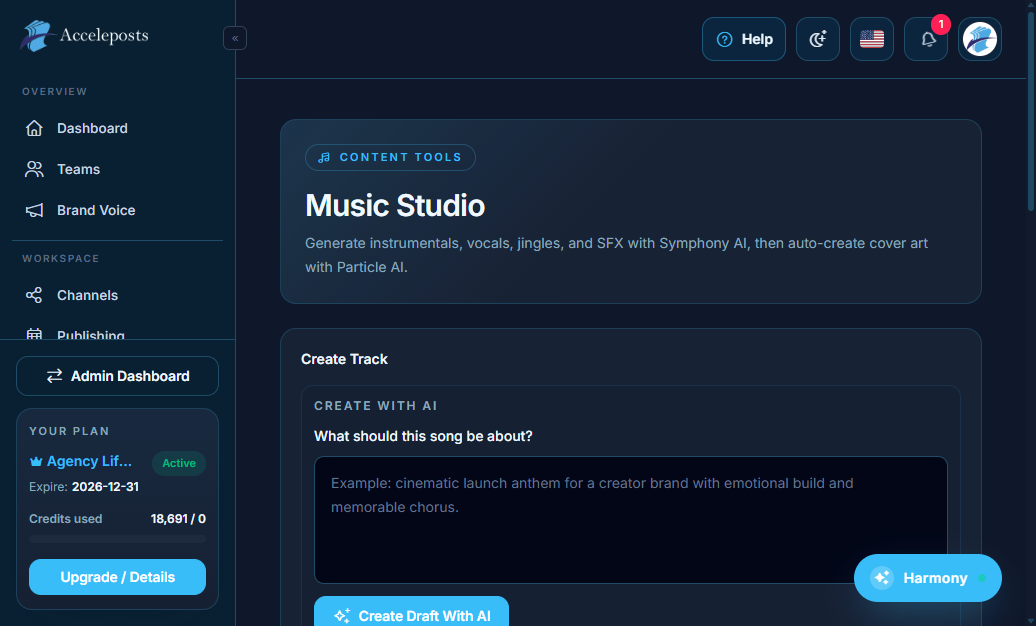
Music Studio
AI-assisted music/audio generation for background tracks in videos (including Vortex Particle
projects) or standalone audio posts.
- Route: `/portal/music-studio`
- Workflow: describe the mood/genre you want, generate a track, preview it, then save it to your
Files library for use in a video edit.
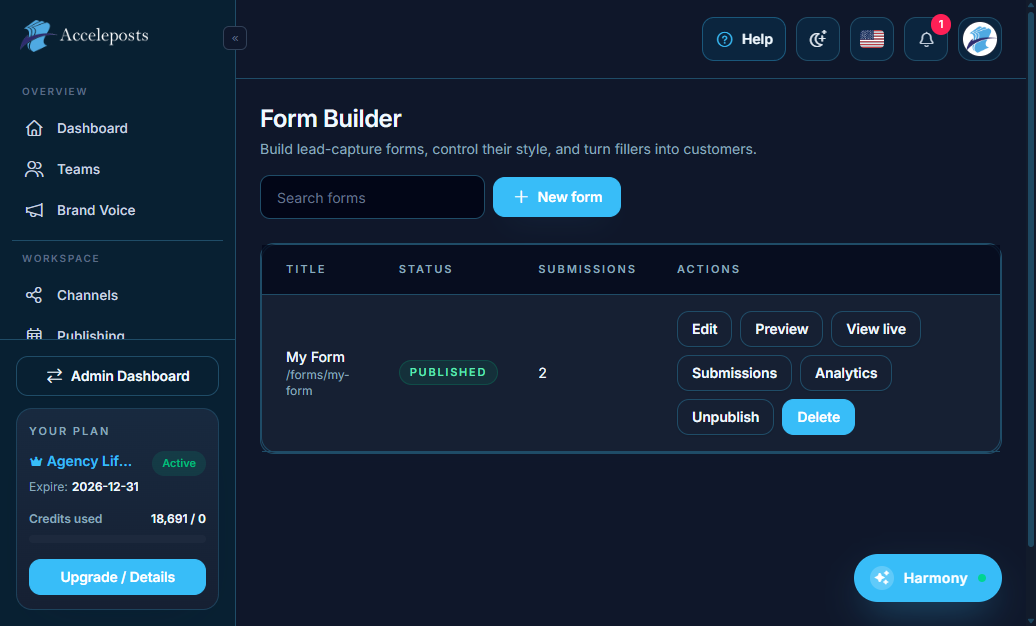
Form Builder
Build lead-capture or feedback forms and embed/share them without needing a separate forms
product.
- Route: `/portal/form-builder`
- Workflow: add fields, configure where submissions go (e.g. notification/email), publish the
form, then share its link or embed it.
Validation Checklist
- Each tool's published output (Link Bio page, blog post, generated track, form) is reachable
at its public URL and renders correctly.
- Any credit-consuming generation (Music Studio) matches the expected credit cost.
- Form submissions actually arrive wherever they're configured to go — send yourself a test
submission after publishing.
Common Mistakes To Avoid
- Forgetting to update the Link Bio URL in a channel's profile after rebuilding the page.
- Publishing a Blog Studio article with broken internal links to other pages.
- Leaving a Form Builder form in draft/unpublished state and sharing the link anyway.