Integrations Overview
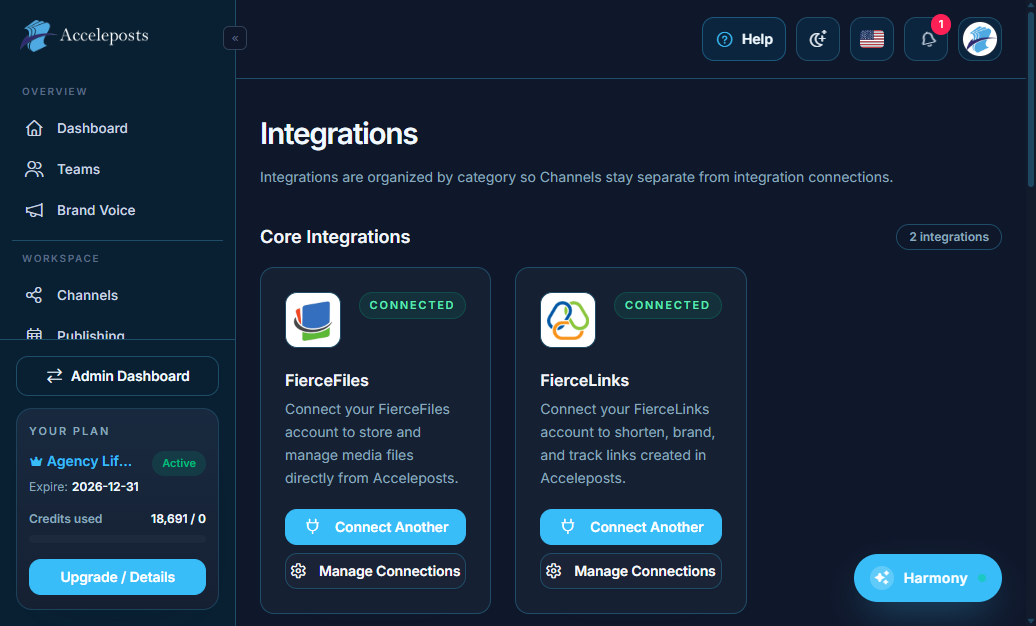
Who should use this page
Teams connecting external platforms and services (commerce, creator monetization, websites, and communication tools) to AccelePosts.
Step-by-step workflow
- Open Integrations from your portal.
- Pick the integration type (storefront, creator platform, CMS, chat/workspace, or publishing endpoint).
- Connect and authorize the account.
- Validate permissions and test posting or syncing.
- Assign workspace ownership and usage rules.
Checklist
- Account is connected and shows active status.
- Required scopes/permissions were granted.
- Test action completed successfully.
- Team access and workspace ownership are set.
Troubleshooting
- If connect fails, reconnect and confirm token/permission scopes.
- If a source is connected but not selectable, refresh channels and check workspace context.
- If posts fail, verify platform limits and account health.